Category Guides

Step-by-step tutorials and comprehensive how-to guides.

Clean Windows Without Third-Party Software

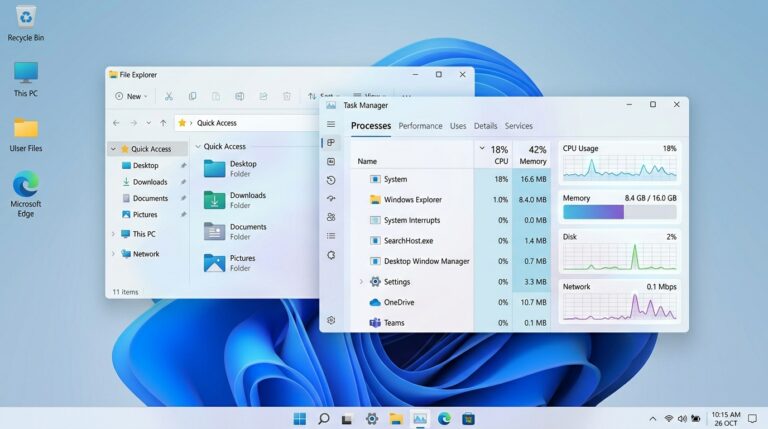
A clean Windows desktop with only native tools visible, emphasizing how to clean Windows without third-party software.

When your PC starts feeling sluggish, the immediate thought for many is to download some ‘PC cleaner’ software. Here’s the thing: most of those third-party programs are, at best, unnecessary bloatware, and at worst, outright dangerous. You can absolutely clean…

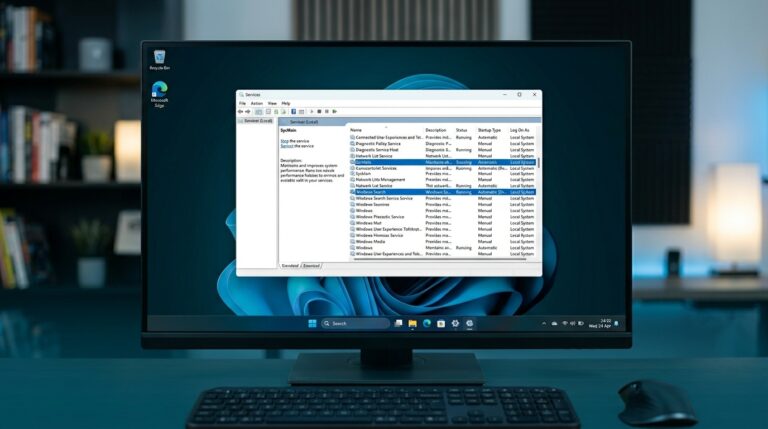
Disable Windows 11 Services Safely

A Windows 11 Services window, showing how to disable Windows 11 services.

Ever wondered what’s running in the background of your Windows 11 PC, quietly eating up resources? You’re not alone. Many users look to disable Windows 11 services hoping to squeeze out better performance or just clean up some digital clutter.…

Clean Windows Without Third-Party Software

Clean Windows without third-party software

If you’re looking to clean Windows without third-party software, you’re in luck. Windows itself comes equipped with a variety of built-in tools that can help you tidy up your system, improve performance, and reclaim space. In this guide, we’ll walk…

Disable Windows 11 Services Without Issues

Step to disable Windows 11 services.

If you’re looking to disable Windows 11 services without causing any problems, you’re in the right place. Windows runs a lot of background services that may not be critical for every user. By managing these, you can optimize your system’s…

How to Update PC Drivers: The Pro Guide

A computer motherboard with various components, illustrating the process to update PC drivers for optimal performance.

Today I’m going to explain why it’s important to update all your PC drivers and how to do it. If you’re an experienced user, this might seem very easy, but if you’re a beginner, you should know that updating all…

How to Change IP Address in Windows 10 & 11

Change IP Address Windows: 4 Methods

Your IP address is basically your computer’s address on a network, whether you’re connected to your home Wi-Fi or an office setup. If you’ve ever searched for how to change IP address Windows settings, it’s usually because something isn’t connecting…

How to Create a Windows PC Hotspot

Setting up a Windows PC hotspot in Windows 11 settings

Ever found yourself needing to share your internet connection but there’s no router in sight? Or maybe you just need a quick, temporary network for a few devices. Good news: your Windows 10 or Windows 11 PC can act as…