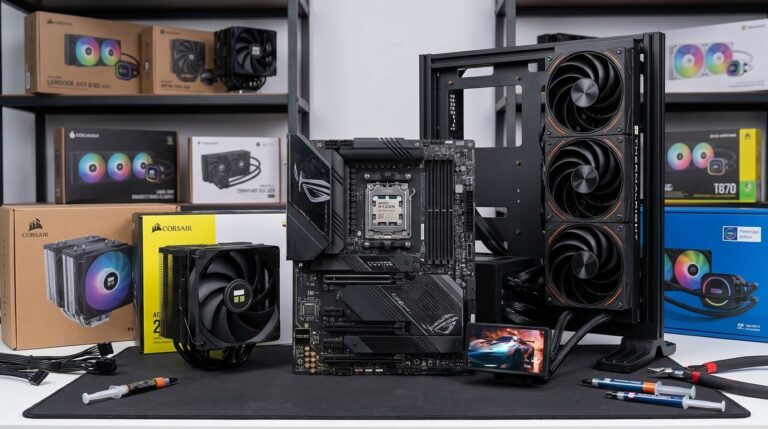

Choosing between an air cooler vs AIO gaming CPU for your gaming CPU? This decision often hinges on several factors, including thermal design power (TDP), case airflow, and your tolerance for noise levels. In this guide, we’ll break down these elements to help you make an informed choice.
Understanding TDP
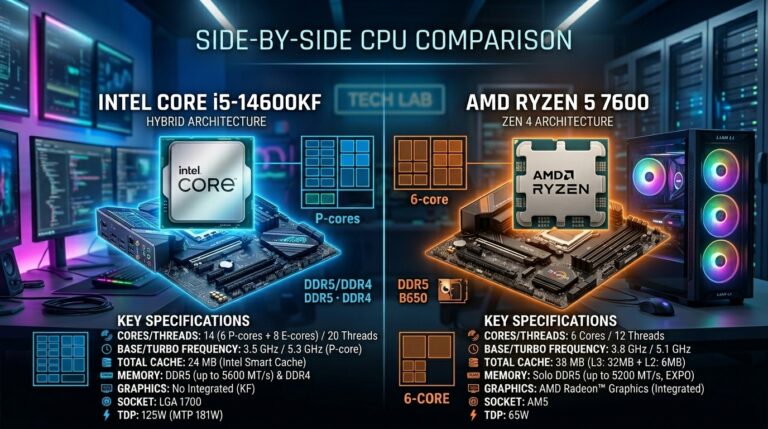
Thermal Design Power, or TDP, is a critical factor when selecting a cooler. TDP indicates the maximum amount of heat a CPU can generate under load, which directly impacts how effective your cooling solution will be. For example, a CPU with a TDP of 100W will require a cooler that can effectively dissipate that heat to maintain optimal performance.
Air coolers generally provide ample cooling for CPUs with a TDP under 200W. They rely on heat sinks and fans to maintain temperatures, which can be quite effective, depending on the model. However, you might encounter issues with larger, more power-hungry CPUs where an air cooler vs AIO gaming CPU might not suffice, especially in overclocking scenarios.
AIO Coolers Explained
All-in-one (AIO) liquid coolers, on the other hand, are designed to handle higher TDPs efficiently. They come pre-filled with coolant and feature a pump to circulate the liquid through a radiator and cooling block. AIOs are advantageous because they can often manage higher thermal outputs with less noise than traditional air coolers. A high-quality AIO can keep temperatures down even under extreme load, though keep in mind that they can be more challenging to install and maintain.
Case Airflow Matters
The airflow within your case plays a crucial role in cooling performance. If your case has good airflow, an air cooler can perform exceptionally well without pushing fans to their limits. However, if your case doesn’t allow for proper circulation, an AIO might be the better choice, as it can efficiently expel hot air through the radiator. Remember, stagnant air can lead to heat build-up, regardless of the cooling solution.
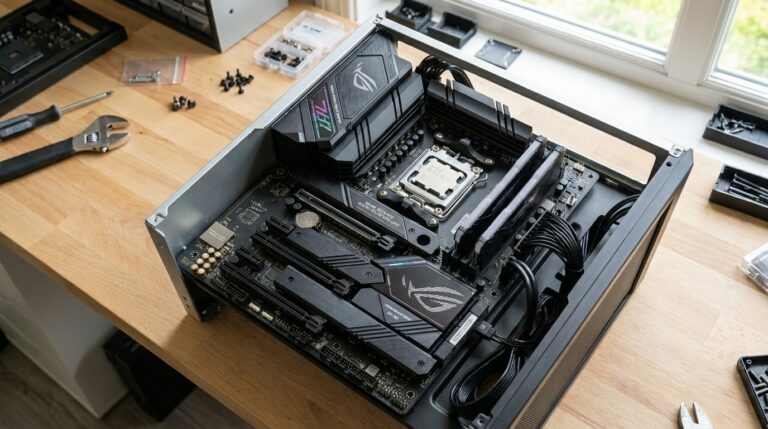
Good airflow can be achieved through strategic fan placement and ensuring there are no obstructions like cables blocking airflow paths. When building your setup, consider using the best B650 motherboard for Ryzen 7800X3D to optimize your build.
Noise Levels: How Loud Can You Tolerate?
Noise is another significant factor when choosing between an air cooler and an AIO. Generally, air coolers can get pretty loud, especially if the fans ramp up under load. On the other hand, many AIOs are designed to operate quietly, although this can vary based on the model and the RPM of the pump and fans. If you’re building a quiet gaming rig, it’s worth researching specific models that emphasize low noise levels.
For example, during my last build, I found that some AIO models run significantly quieter than air coolers, even under load.
This is one of those questions I think many of us ask ourselves: liquid cooling or air cooling? Technology has improved a lot, so you can find solid options in both types of cooling.
Cost Considerations
Budget is often a deciding factor. Generally speaking, entry-level air coolers are more affordable than AIOs, which can range from mid-range to premium prices. If you’re planning to go with a more budget-friendly build, a capable air cooler can keep your CPU running cool without breaking the bank.
On the flip side, if your CPU has a higher TDP or if you’re aiming for optimal overclocking potential, investing in a good AIO might be justified. Consider checking out the best cooler for 7800X3D to see how different cooling options stack up.
Bottom Line:
Ultimately, the choice between an air cooler and an AIO for your gaming CPU comes down to your specific needs: TDP, airflow, noise tolerance, and budget. If you’re working with a lower TDP CPU and a case with good airflow, an air cooler could be your best bet. But if you’re looking to push performance with a higher TDP CPU or prioritize quieter operation, an AIO might just be worth the extra investment.
Whatever route you choose, ensure that your cooling solution aligns with your overall build objectives and user experience.

Corsair iCUE H100i